Hello,
I have a series of models/scripts that create many temporary feature layers based on selection (using the MakeFeatureLayer tool), Since they are within models and scripttools they are not automatically loaded/visualized in my MXD (which is what I want).
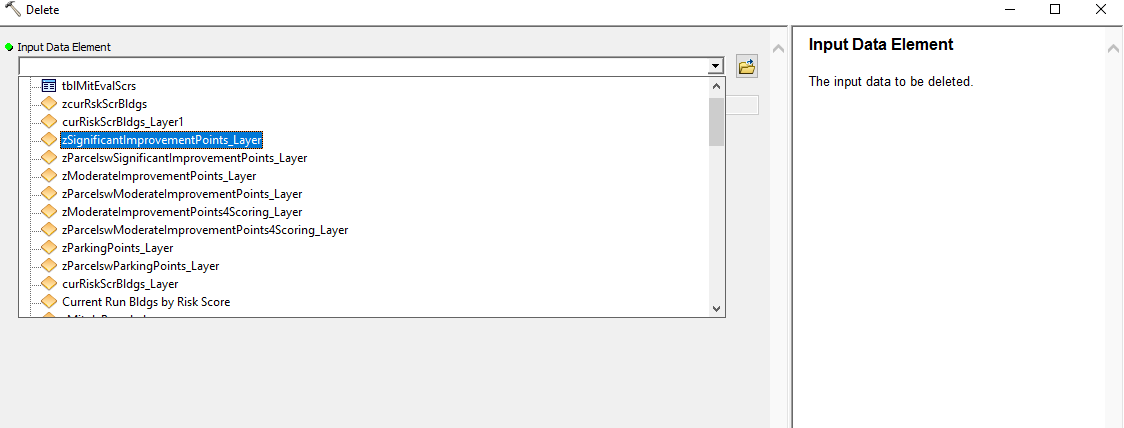
I was wonder if there is a way to programatically access and delete all these temporary layer files. I know I can use 'Delete' to see them and delete them individually, but Im curious if there is a way to access in ArcPy so I could loop through all layers that end in "_Layer" and delete (see below. I tried deleting everything in the 'in_memory' but that didnt remove them.
I do not want to delete the underlying feature class, just the instance of the layer. When I manually delete the temporary layer using the delete tool, it does what I want (just deleting layer instance but maintaining data)
Any help would be appreciated
thanks!
Neal