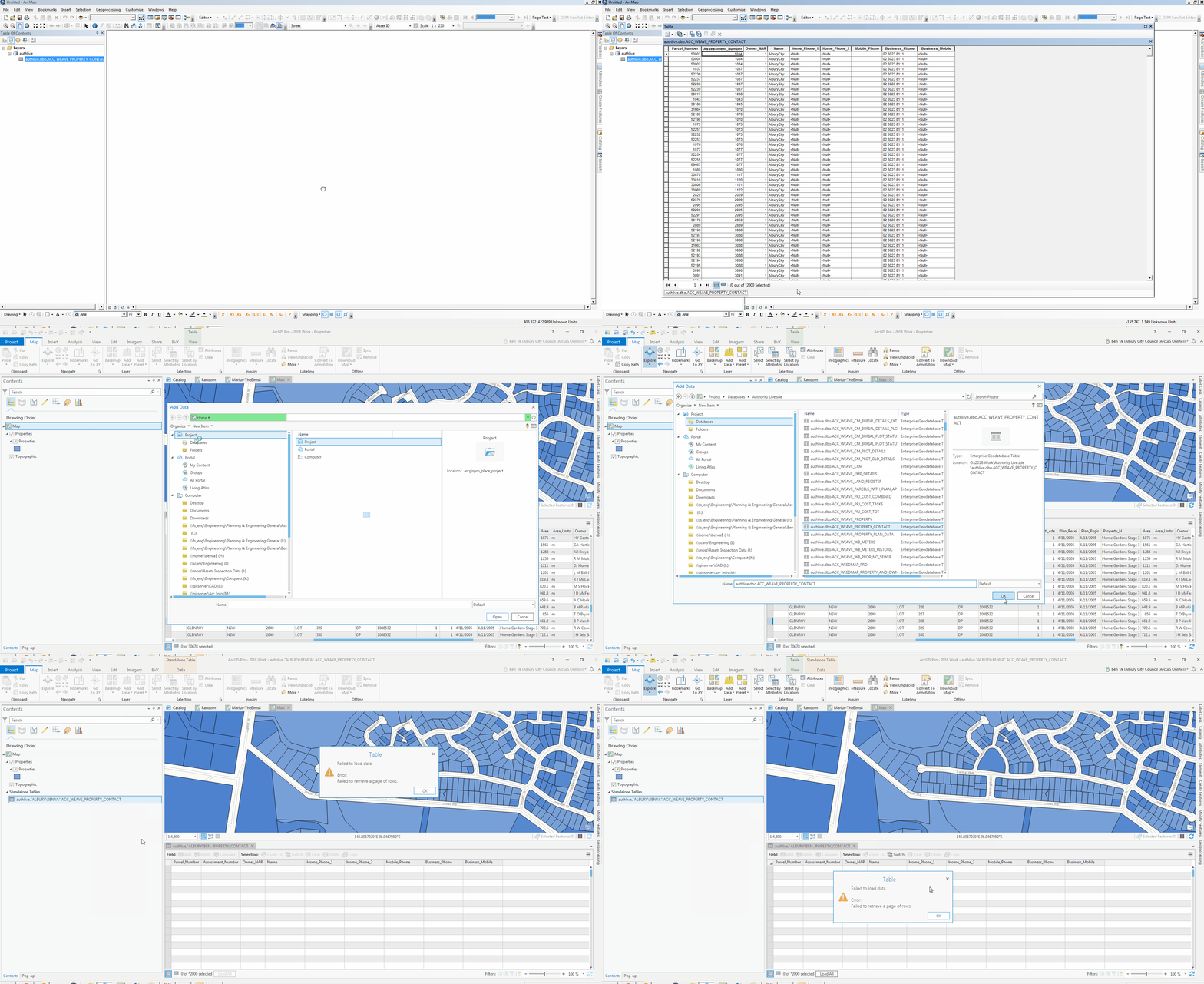
Hey,
I have been able to add a table using sql server in ArcMap Desktop for some time, I am now trying to read the table within an ArcGIS Pro v2.2.3 Map, but I keep getting the error Failed to retrieve a page of rows and I am unsure why this is happening. The layer adds to the map fine (seems to display all 20,000+ polygons), its just when I try to view the Attribute Table that this error appears.
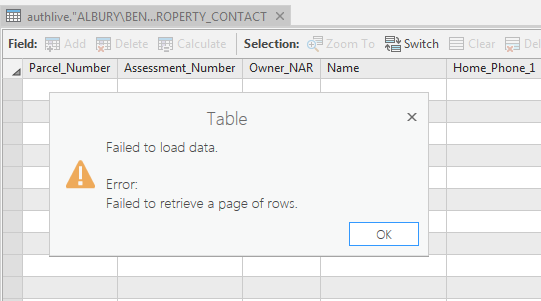
Note it is able to load the column headers in the background, so I am assuming it is a data issue.
The table I am trying to add is a view from a Civica Authority DB (MSSQL 2014 12.0.5207.0), so its not spatially enabled at all.
Has anyone been able to overcome this issue before? Or even know a way for me to troubleshoot the cause?