Select to view content in your preferred language

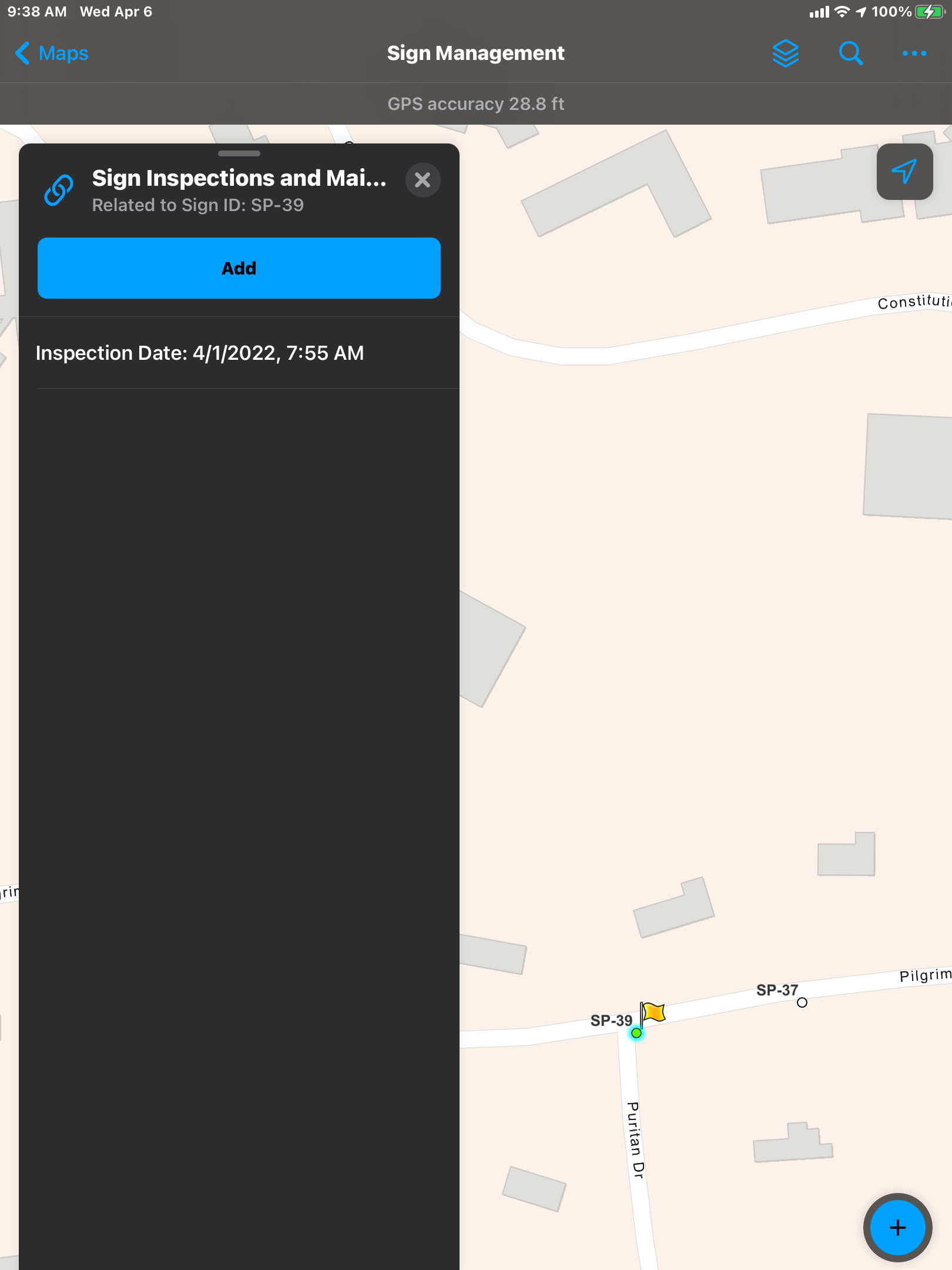
Is it possible to remove "Add" button from related records that are added using survey123?

1420
3
Jump to solution
04-07-2022 06:36 AM
BrandonBoisvert
Regular Contributor

I have configured a survey123 form to populate a hosted feature layers related table that is available as a hyperlink in the parent features pop-up. It works great, however, it would be nice if when field workers open the related records, the option to add a record directly through field maps was disabled. I didn't configure the tables form in field maps so the 'Add' button opens to a blank form, but to avoid confusion, it would be best if the 'Add' button was not visible. Hopefully this is possible!
BrandonBoisvert_0-1649338449781.png


0 Kudos
1 Solution

Accepted Solutions
DougBrowning
MVP Esteemed Contributor

Have you tried in the web map - turn off all editing for that layer.  You probably want them to only edit in the form anyway.

View solution in original post

3 Replies
DougBrowning
MVP Esteemed Contributor

Have you tried in the web map - turn off all editing for that layer.  You probably want them to only edit in the form anyway.

BrandonBoisvert
Regular Contributor

Thanks, Doug!

EricaNova
Frequent Contributor

I came to this page looking for a way to disable editing for a table in web map viewer. There's a workaround described here that could be useful for folks needing that capability. This turned off the 'Add' button for me. In case that post moves, I've copied the relevant text:

From @BrennanSmith1 :

"One workaround for this is to use the ArcGIS Assistant to edit the JSON of a webmap directly. Find the Tables section, and for the specific table you are interested in, add an entry for:

"capabilities": "Query,Sync",

 which will disable editing.  I agree that there should be an easier, intuitive way to do this directly from the webmap though!"